How to Activate Your New OCBC Card
Activate a new OCBC credit or debit card in the OCBC app or Internet Banking — it takes effect immediately, so the card can't be used until you activate it yourself.
 Singapore
Agent guide. Use these steps to walk the client through the process — the screenshots show exactly what they’ll see on screen.
A new OCBC credit or debit card must be activated before it can be used — this stops anyone using it if it's lost in transit. Activate it in the OCBC app or on OCBC Internet Banking; activation takes effect immediately.
Before you start
- The OCBC app, or access to OCBC Internet Banking
- The client's access code and PIN (or fingerprint ID / Singpass)
- The new card (for its expiry date)
💡 Tip: Activation takes effect immediately. Setting or resetting the card PIN (for a new physical card) may be a separate step at an OCBC ATM or in the app.
Frequently asked questions
Why do I need to activate a new card?
Activation ensures a new card can't be used until you activate it yourself — protecting you if it's lost or stolen in transit.
- 1
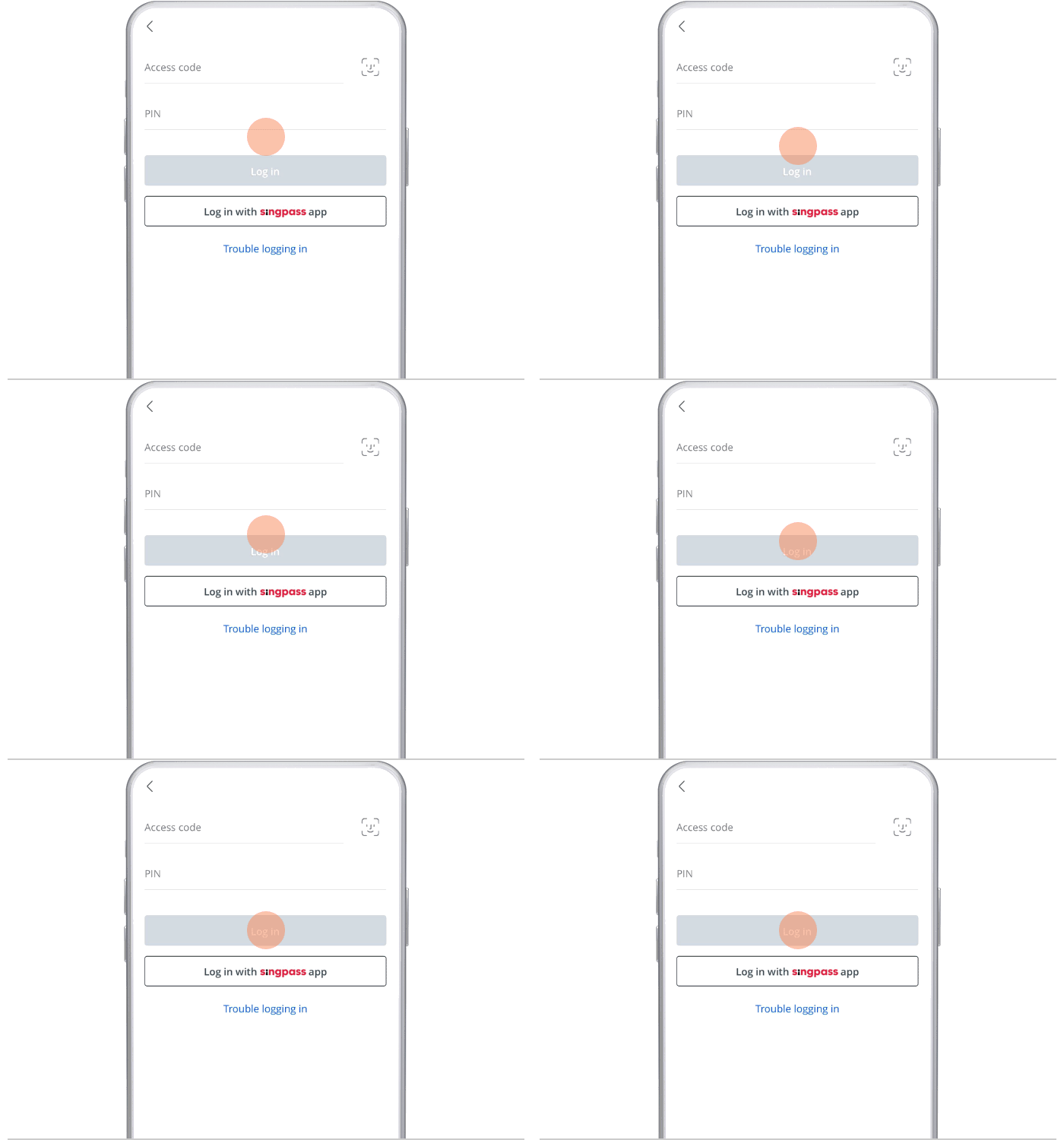
Log in to the app
Log in to the OCBC app with your access code and PIN, or fingerprint ID.
- 2
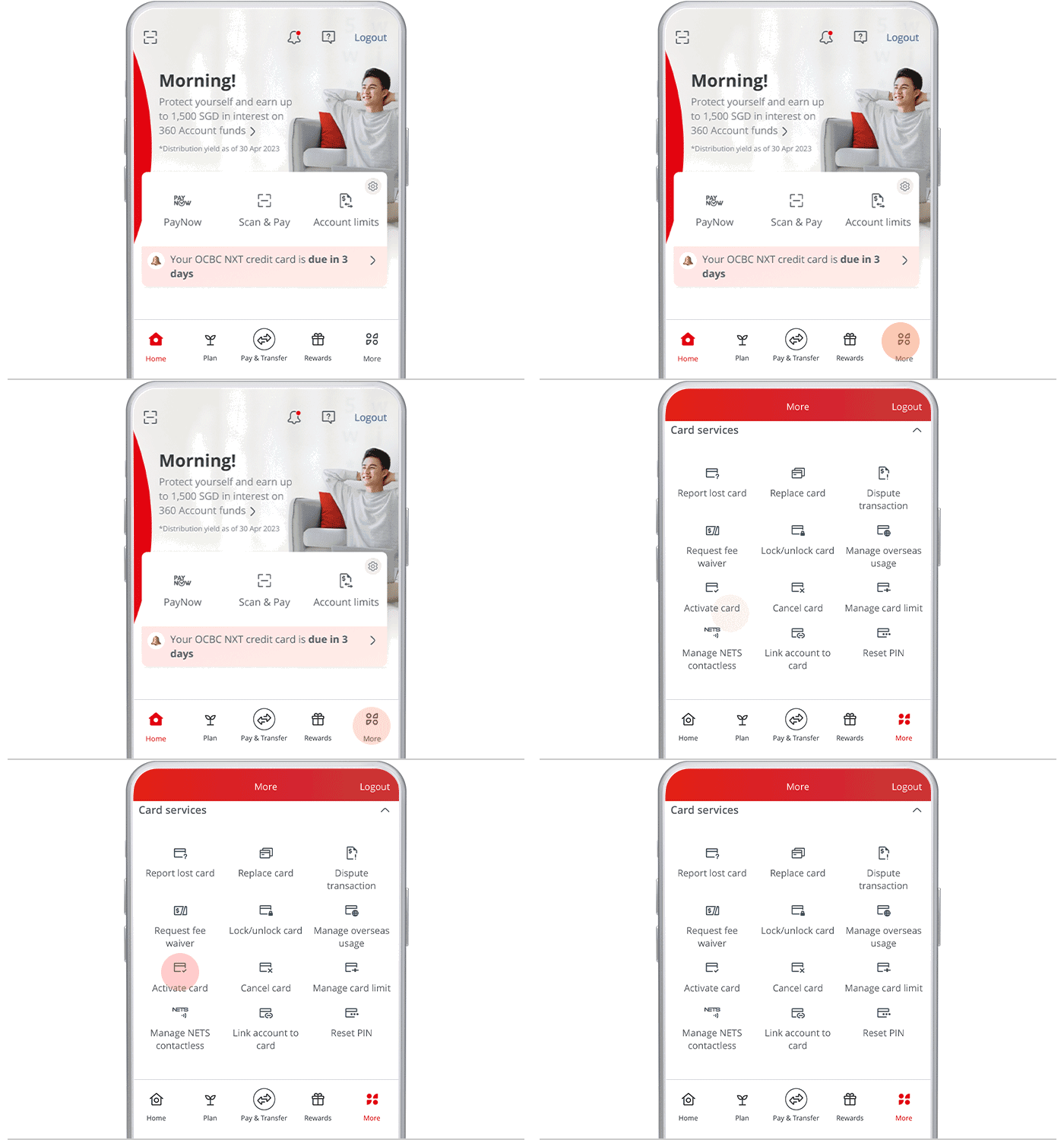
Open Activate card
Tap "More", select "Card services", then tap "Activate card".
- 3
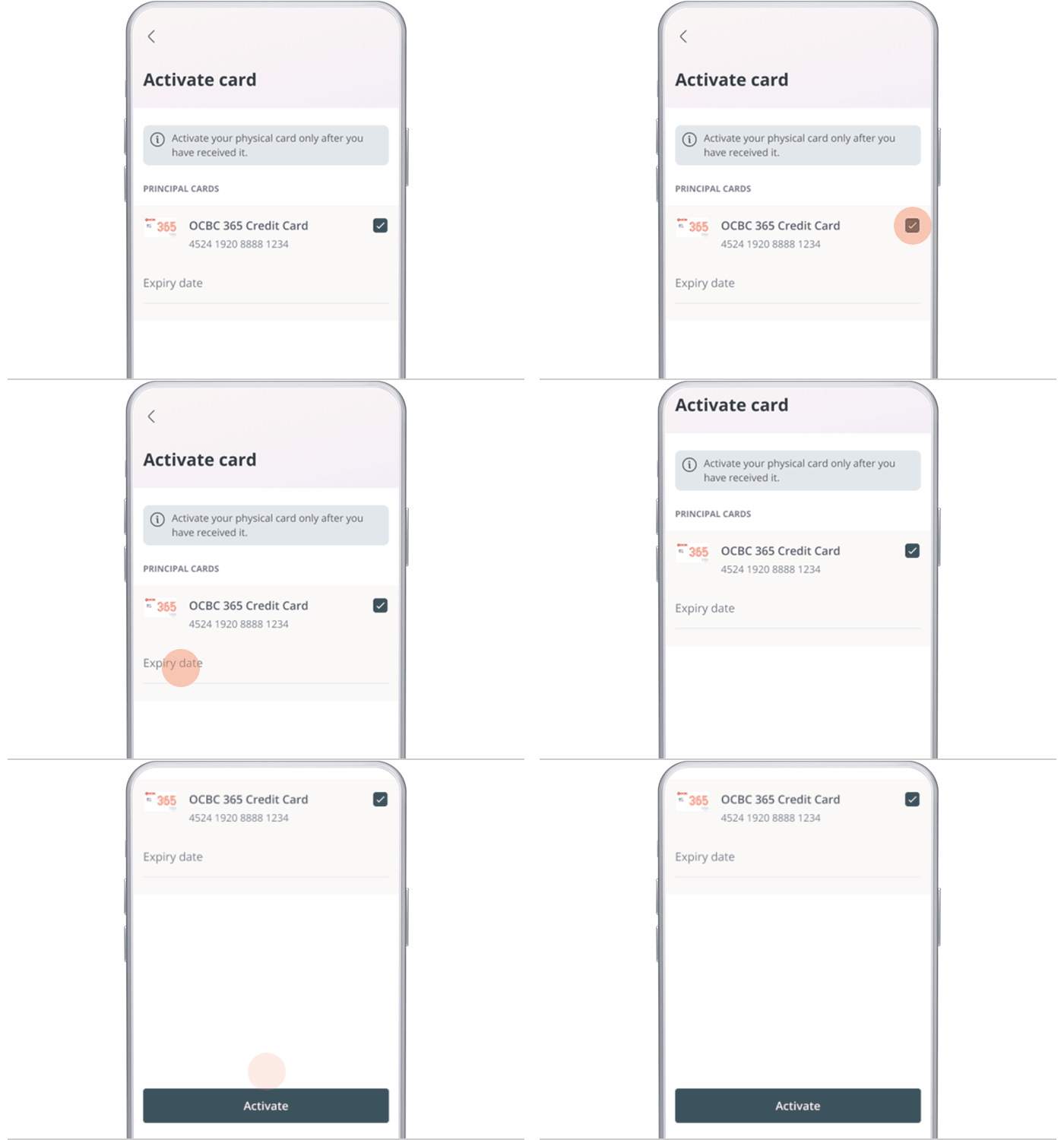
Select the card and enter expiry
Choose the card you want to activate, enter its expiry date, and tap "Activate".
- 4
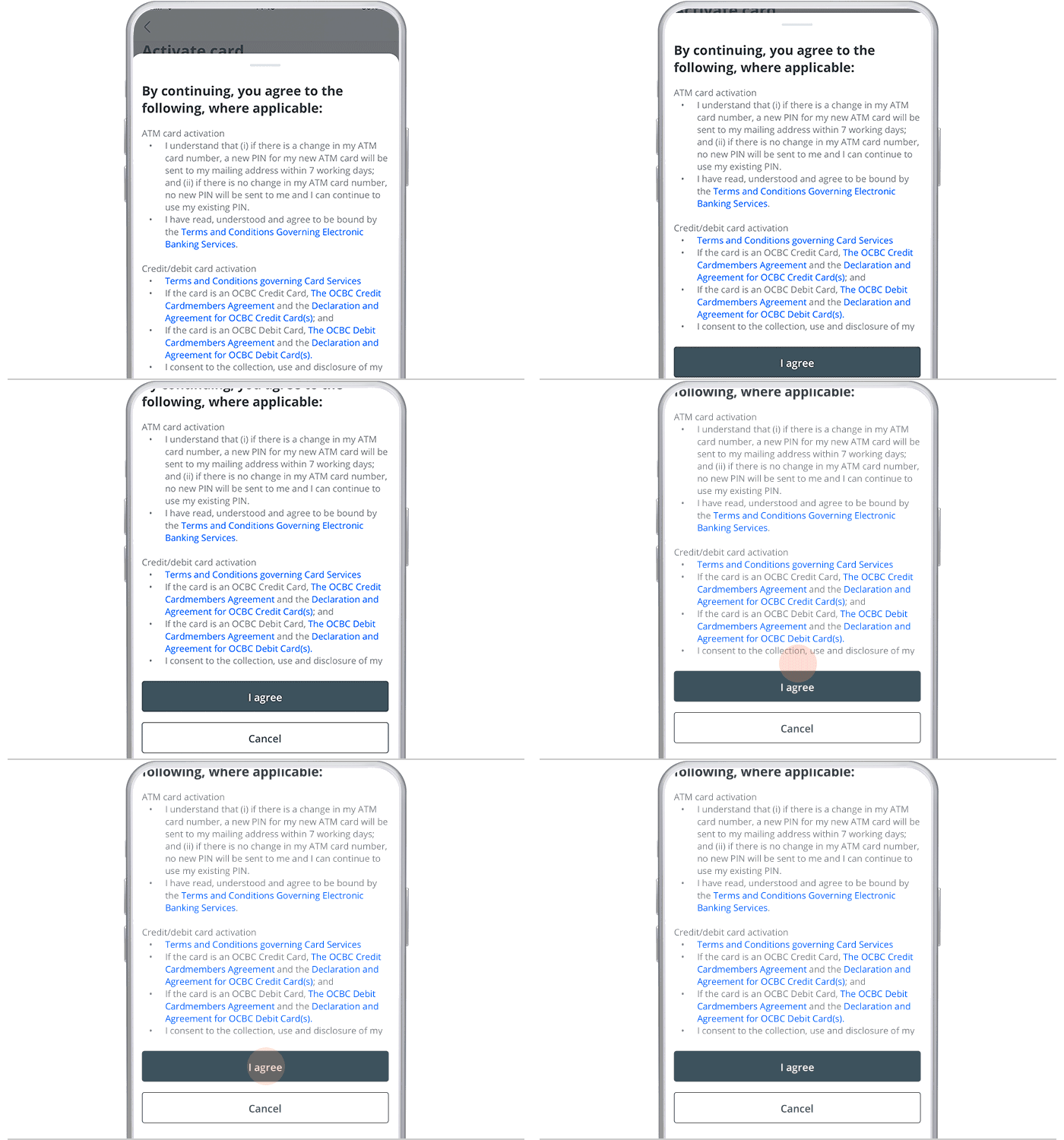
Accept the terms
Tap "I agree" to accept the terms and conditions.
- 5
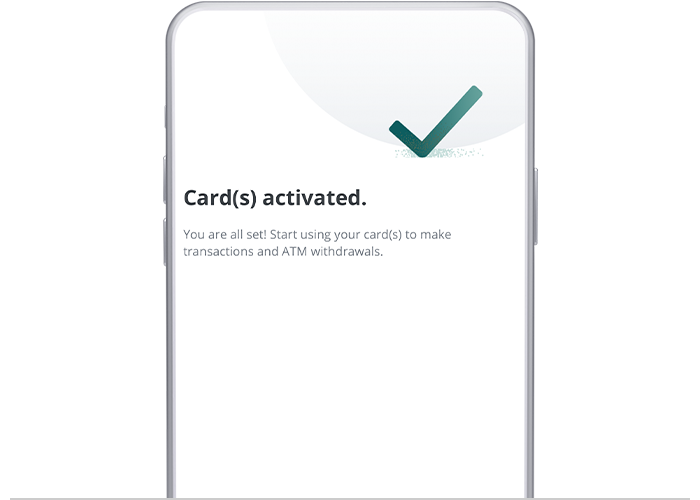
Done
Activation is complete and effective immediately.
- 1
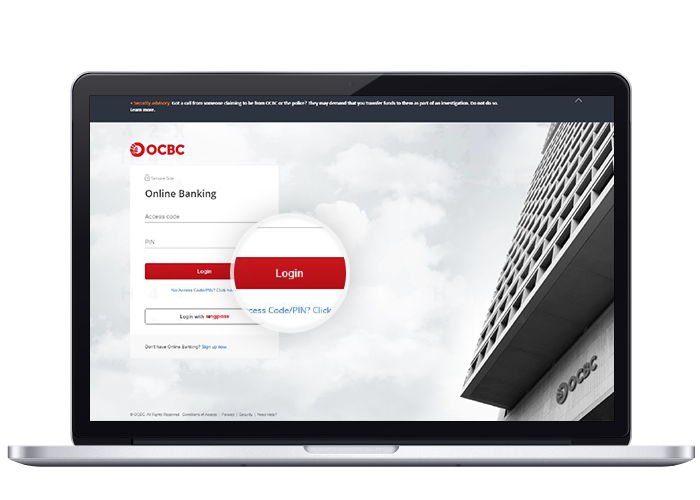
Log in to Online Banking
Log in to OCBC Online Banking with your access code and PIN.
- 2
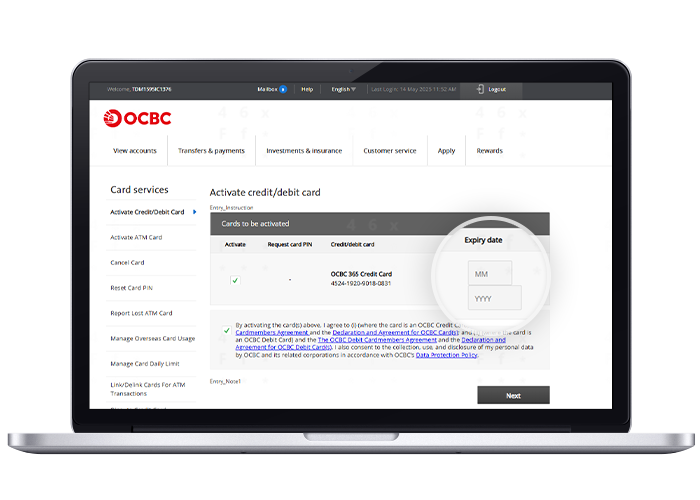
Open Activate credit/debit card
Go to "Customer service" and select "Activate credit/debit card" under Cards.

- 3
Select the card
Choose the card you want to activate and enter its expiry date.
- 4
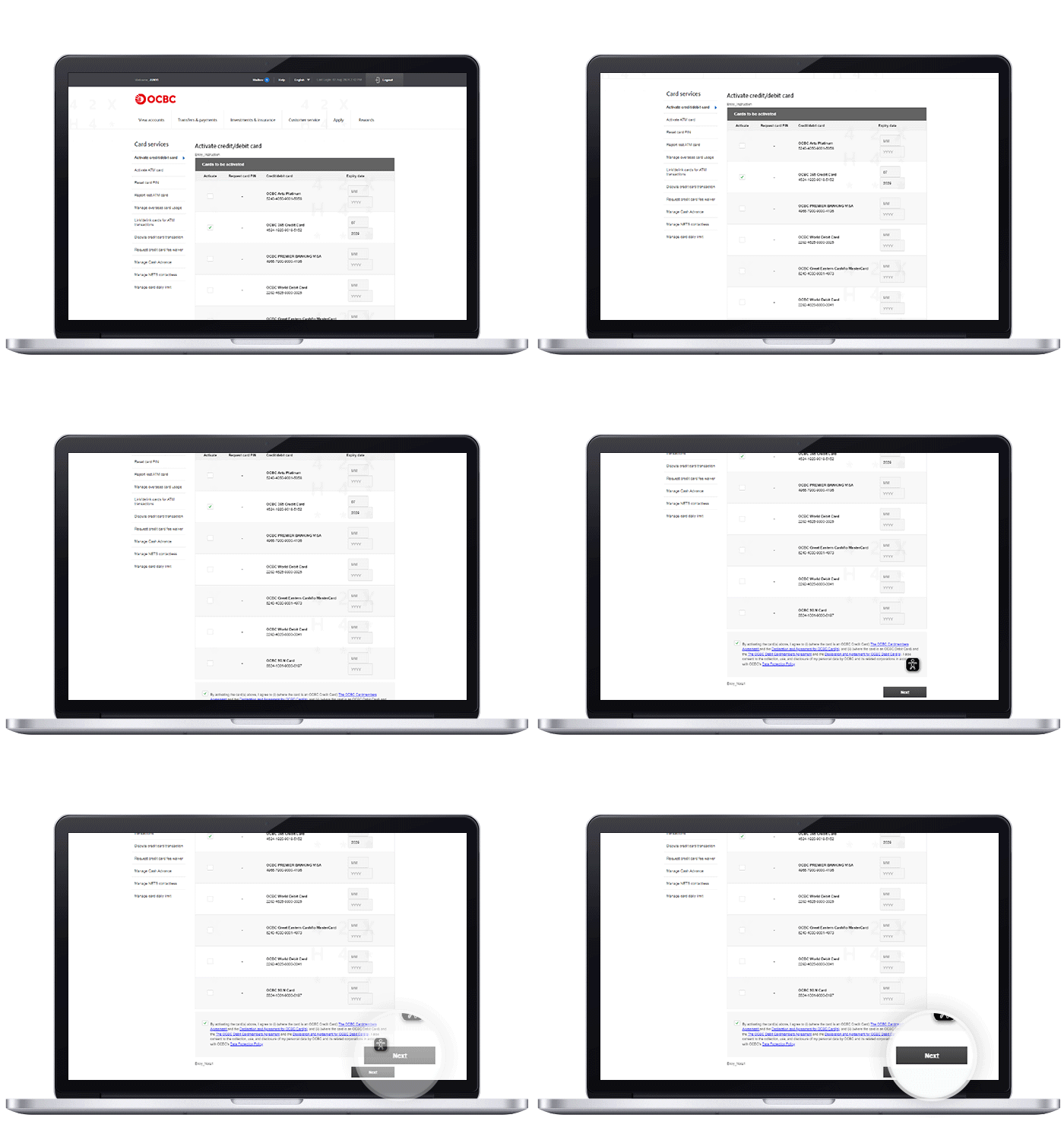
Accept the terms
Agree to the terms and conditions.
- 5
Done
Activation is complete.
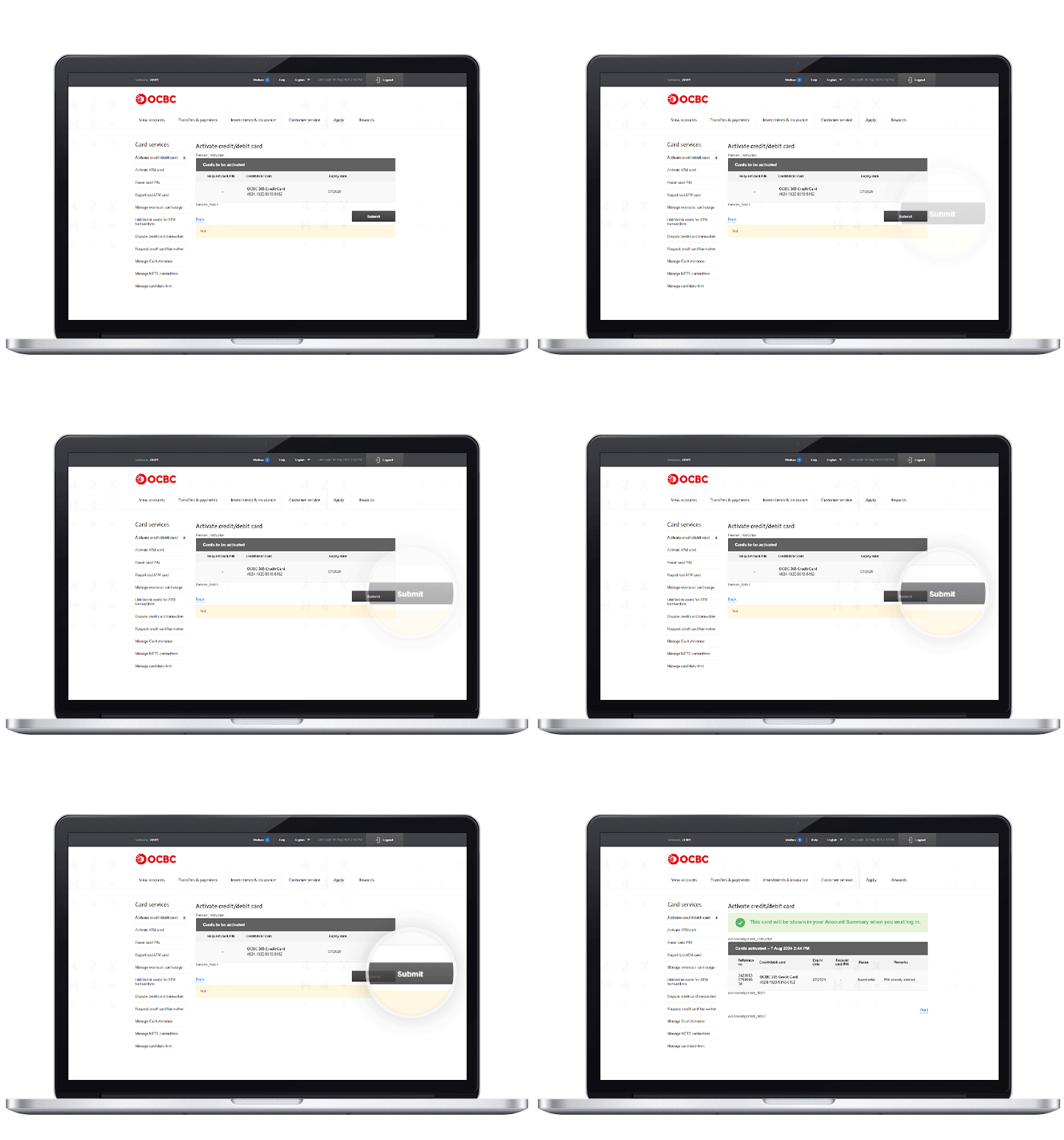
Reference for assisting clients. Bank screens, steps and limits change often — always confirm the current process with OCBC Bank before advising the client.